
Guide · Raspberry Pi player
Build a Raspberry Pi Art-Net recorder and player.
Use CUE/IO to capture console output, store optional synchronized audio and run the finished lighting show locally with browser control and automation.
What an Art-Net player does
Art-Net transports DMX lighting data over Ethernet. During commissioning, the Raspberry Pi receives and records the network output from a lighting console or other Art-Net source. During playback, it sends the captured data to the Art-Net nodes with the recorded timing.
This makes the Raspberry Pi a practical local player for a finished, repeatable show. It does not replace the console's programming tools; it replaces the need to leave the console connected after the show has been recorded and approved.
Hardware and network requirements
- Raspberry Pi 4 or Raspberry Pi 5 with a quality power supply.
- At least 8 GB of storage; 32 GB or SSD is recommended for practical deployments.
- Wired Ethernet to the Art-Net lighting network.
- Optional Linux-compatible USB audio input for synchronized recording.
- Optional DS3231 RTC when the offline scheduler must retain time.
- Appropriate cooling, enclosure and power protection for the installation environment.
Internet is needed for initial licence activation. The recording, local web interface and playback then operate on the local network.
The recorder-to-player workflow
- Install and activate CUE/IO.Prepare the Raspberry Pi image and complete the initial device activation.
- Connect wired Ethernet.Place the Raspberry Pi where it can receive the console's Art-Net output and reach the Art-Net nodes.
- Monitor the incoming data.Confirm source, universe and channel activity before recording.
- Record and verify the show.Capture the complete sequence and optional audio, then replay it while the console remains available.
- Configure operation.Use Player mode, incoming LTC, scheduling, GPIO or autoplay according to the site.
- Benchmark and back up.Test the deployed configuration and export the commissioned files.
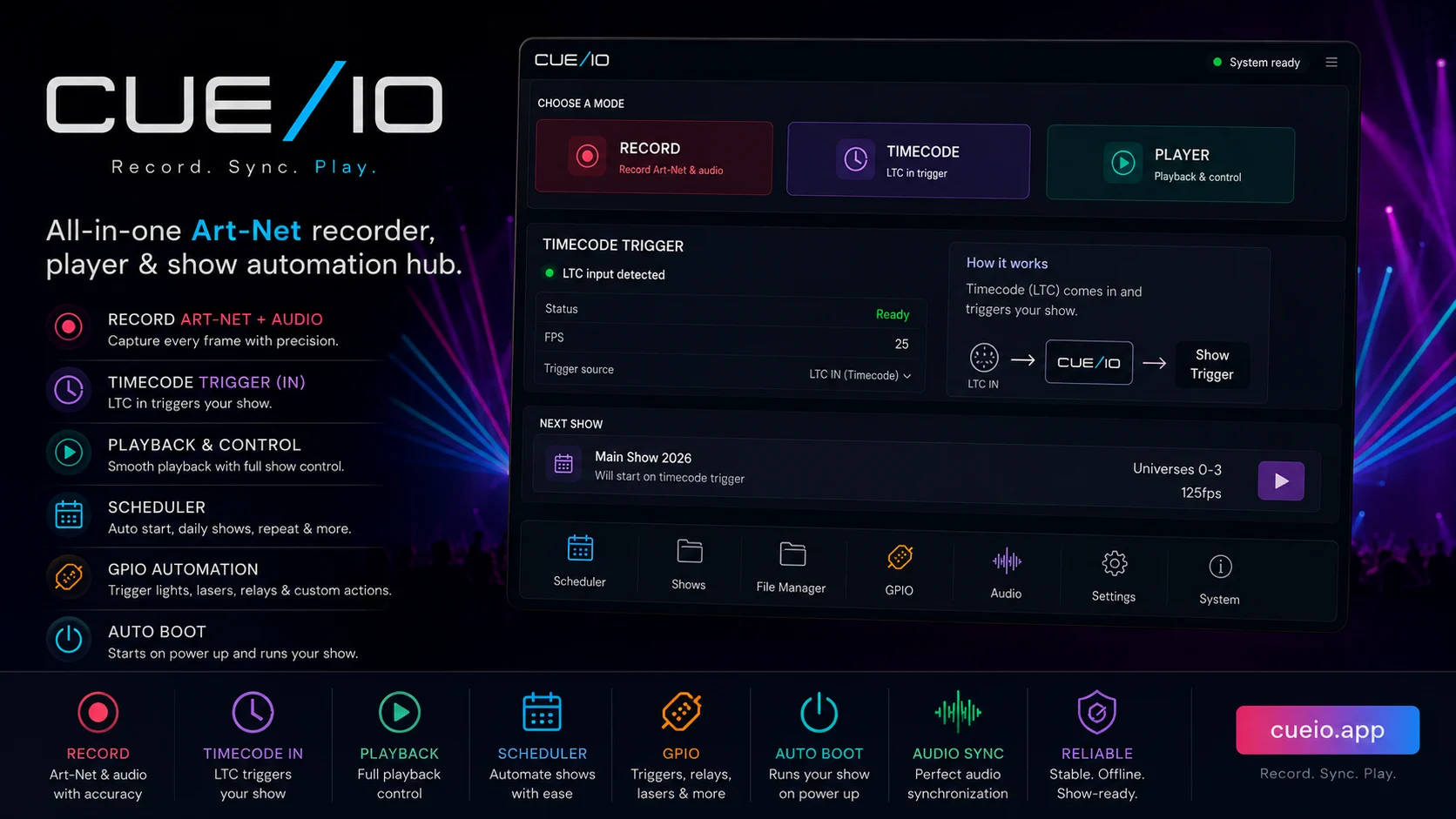
Control and automate local playback
Use any browser on the same network to start shows, change playback, manage files and check system status. For unattended operation, prepare the start logic before handover:
- Scheduler for date, weekday and time events.
- GPIO inputs for suitable sensors, switches or buttons.
- Incoming LTC for cues driven by an external timecode source. CUE/IO does not generate LTC.
- Autoplay for an intentional sequence after boot.
- Watchdog for application recovery if it stops responding.
Measure capacity on the system you will deploy
Do not select a universe count from a generic Raspberry Pi claim. Art-Net load depends on the Pi model, network, packet rate, show data, storage and whether audio is enabled. CUE/IO includes a benchmark so the operator can evaluate a safe count on the exact hardware and configuration.
Long-running reliability also depends on power, cooling, storage quality, network design and operating procedures. Test restarts, keep backups and document known limits before the installation is left unattended.
Fixtures, Art-Net nodes, network switches, power, audio hardware and the operating environment all affect the final result. Commission the complete signal path.